We’ve upgraded our studio booking system to make your experience faster, smoother, and more convenient – while reducing backend costs so we can continue offering some of the most affordable studio rates in San Diego.
You’ll notice a few changes, but the goal is simple: easier booking, easier management, fewer headaches.
You can read about it here, or if you prefer to watch a video, we’ve recorded a quick intro to the system that you can watch here as well.
How does it work?
The booking flow has been redesigned both on the website and inside our new mobile app. Here’s how to book from the TMC website:
- Go to tmcmusic.org and click “Book Room” in the main navigation.
- If it’s your first time, click “Allow 3rd Party Cookies.”
(You may need to scroll down if parts of the page look grayed out.)- Our new system is built on a platform called “Simplybook.me”, so depending on your browser security settings, you may be asked to accept their cookies as well.
- Our new system is built on a platform called “Simplybook.me”, so depending on your browser security settings, you may be asked to accept their cookies as well.
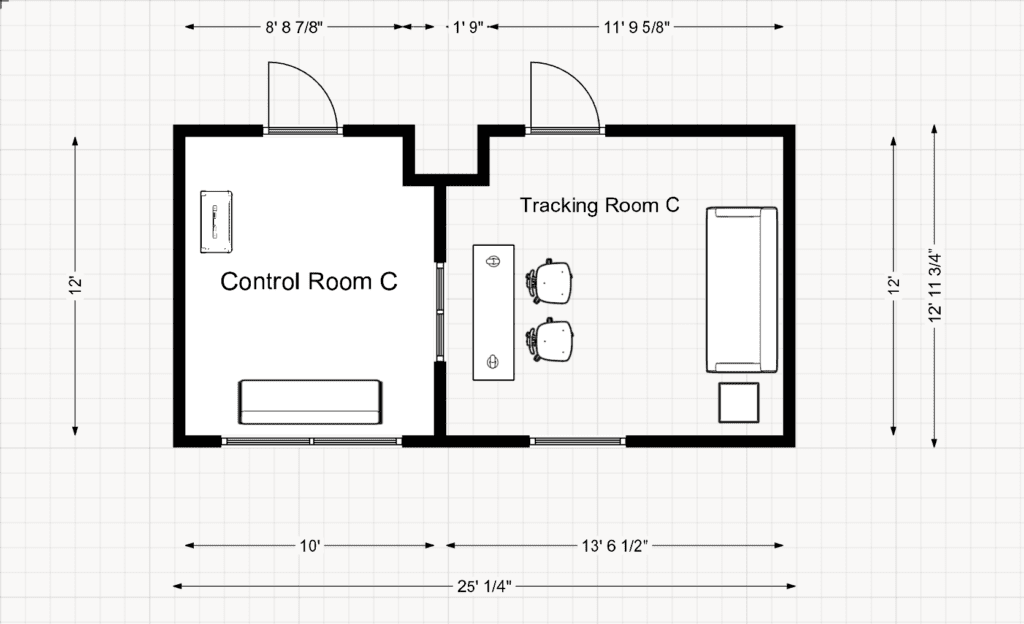
- Choose your room: Studio A, Studio B, Studio C, DJ Studio, or Rehearsal Room.
- Select your session length.
- Book in 1-hour increments (1–10 hours)
- Add 30-minute increments as optional add-ons
- Pick your date and time. The system shows all available start times for the day you select.
- Sign in or create your free account, then choose your payment option:
- Online: credit card or PayPal
- Pay Later: pay in person at the studio
If you select Pay Later, you’ll pay at the studio, where we accept cash, PayPal, Venmo, CashApp, Zelle, debit, or credit card.
Whichever payment type you select, be sure to click on “Proceed” to complete that. Once booked, you’ll get an email confirmation right away.
What if I need to change my booking?
To cancel or reschedule, just log in and click the red arrow icon at the top of the screen.

Introducing the New TMC Mobile App
You can now also book, manage, and modify sessions directly from your phone via our mobile app.
Download the app for iOS or Android:
https://tmcmusic.simplybook.me/v2/app
The app matches the booking flow on the website and gives you instant access to your upcoming sessions.
Frequently Asked Questions
Do I need an account to book?
Yes – it’s quick and free. An account lets you:
- View and manage upcoming bookings
- Reschedule or cancel instantly
- Store payment methods
- Receive reminders and updates
- Track your booking history
Setup takes less than a minute.
Can I check studio availability before I book?
Yes. You can see live availability for every room and service – no need to call or wait for a response.
Can I cancel or reschedule?
Absolutely. From your account dashboard, you can:
- Reschedule by choosing a new time
- Prepay any bookings that you may have selected “Pay later” for previously.
- Cancel within the allowed window (24 hours – see our Studio Policies).
If you prepaid, refunds are issued automatically.
Can I book recurring or sessions?
Yes. You can book sessions that repeat on the same day and same time each week. Recurring sessions help ensure your preferred time is always available.
Do you accept online payments?
Yes. You can pay online during checkout or choose to pay in person at the studios.
Will I get reminders?
Yes – automated email reminders will keep your session on your radar. You’ll also be notified of any changes.
Can I book from my phone?
Definitely. The website is mobile-friendly, and the new app makes booking even easier.
Can I include notes or special requests?
Yes. Every booking includes a couple of notes field where you can list:
- Gear requests
- Setup details
- Guest count
- Accessibility needs
- Recording preferences
Our team reviews these before your session.
What if I run into a technical issue?
If you have trouble booking, logging in, or paying, just reach out. We’re always happy to help.
Where do I book?
You have two options:
Website:
tmcmusic.org → “Book Room”
(Bookmark: tmcmusic.org/book-room)
Mobile App:
https://tmcmusic.simplybook.me/v2/app
Ready to Go?
Head to the booking page, create your free account, and explore available studio times. Book your session, pick your payment method, and you’ll get instant confirmation.
Thanks for being part of the TMC community. We’re committed to supporting your creative work – now with a smoother, more modern booking experience.
The Music Company Team